> ## Documentation Index
> Fetch the complete documentation index at: https://notiky-mintlify-7d868fcc.mintlify.site/llms.txt
> Use this file to discover all available pages before exploring further.
# Projects
> Group tasks and product context by initiative with Notiky Projects — keep multiple streams of work organized inside a single workspace and board.
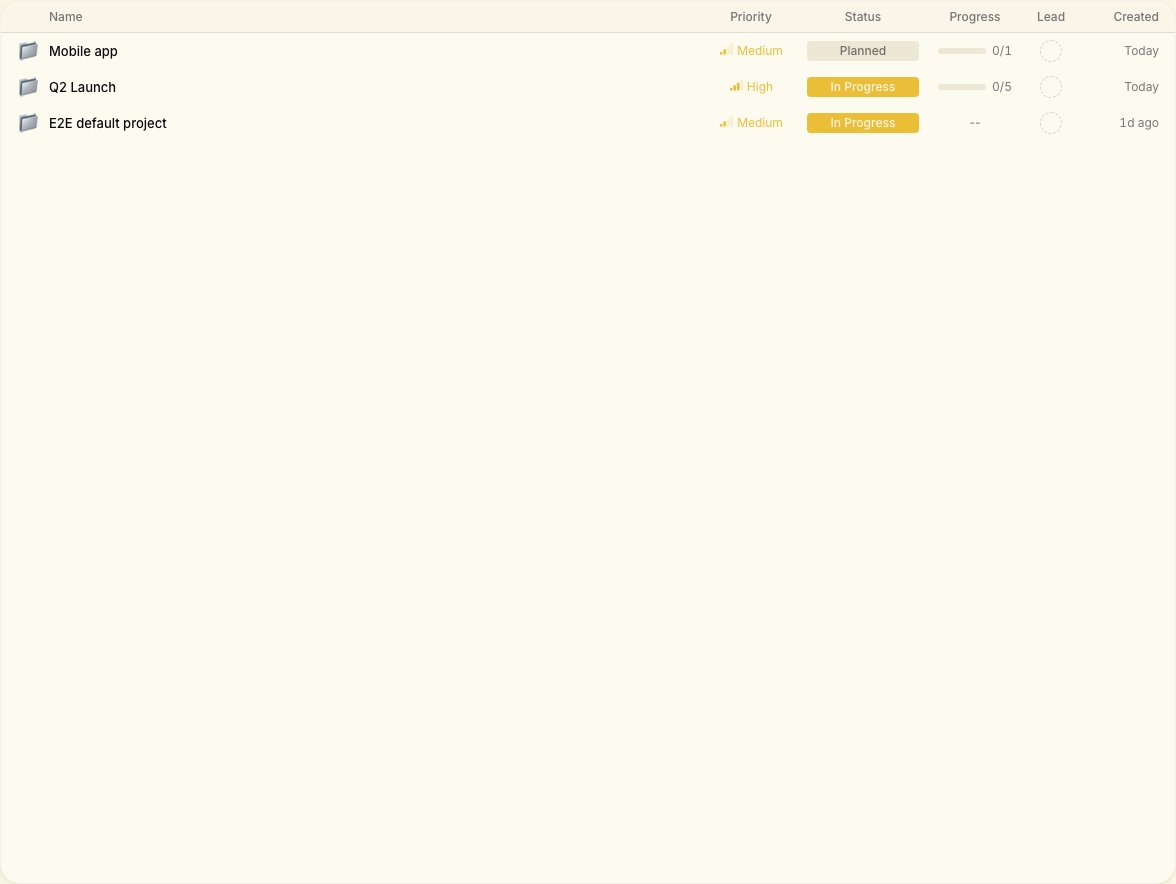
**Projects** help teams and solo-builders organize work beyond a single flat board — one initiative, one place to see related tasks and context.
 ***
## When to use projects
* You run **multiple products** in one workspace
* You want agents and humans scoped to one initiative
* You report progress per stream (“mobile app”, “API migration”, “launch week”)
## Create and manage
From the workspace **Projects** view:
1. Create a project with a clear name and short description
2. Associate new tasks with that project when creating work
3. Filter the board or list by project to focus the team
Technical co-founders can also use the CLI:
```bash theme={null}
notiky project list
notiky project create --name "Launch week" --description "May release"
notiky project status active
```
***
## Related
***
## When to use projects
* You run **multiple products** in one workspace
* You want agents and humans scoped to one initiative
* You report progress per stream (“mobile app”, “API migration”, “launch week”)
## Create and manage
From the workspace **Projects** view:
1. Create a project with a clear name and short description
2. Associate new tasks with that project when creating work
3. Filter the board or list by project to focus the team
Technical co-founders can also use the CLI:
```bash theme={null}
notiky project list
notiky project create --name "Launch week" --description "May release"
notiky project status active
```
***
## Related