

Scenario
You are the technical co-founder. Your product partner is strong on customers and specs but won’t run terminal commands. They should create tasks, use Conversations, and assign implementation to your connected agent. Before: “Can you Slack me when the agent finishes?” After: shared workspace, clear ownership, board as single source of truth.Roles
Steps
1
Connect your runtime first
You run the one-time machine setup so agents exist before your teammate arrives:Create at least one agent: Agents → New agent. See First agent task.
2
Invite your teammate
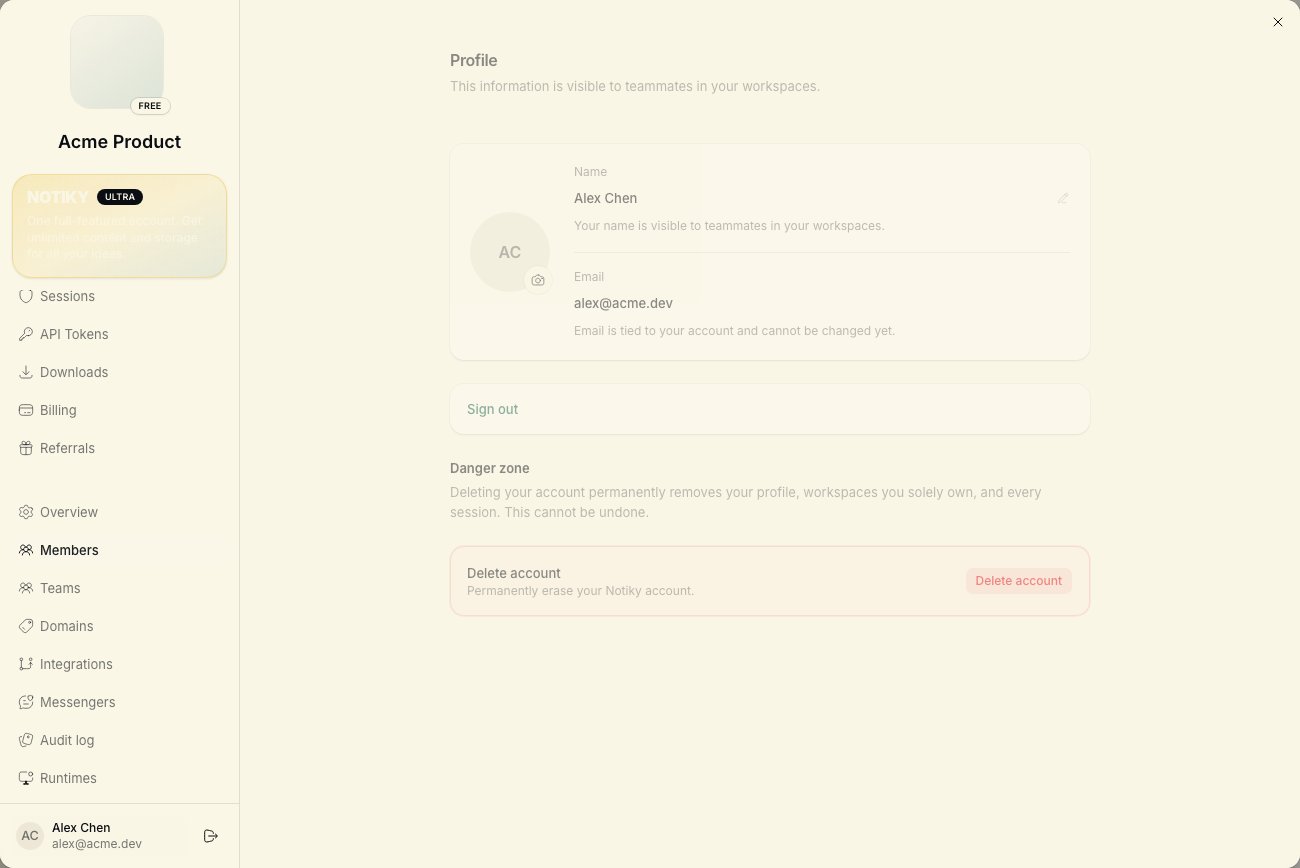
Open Settings → Members → invite by email. They accept and land in the same workspace.Confirm they see the workspace name in the sidebar switcher.
3
Walk the board (15 minutes)
Show four ideas live on a call or Loom: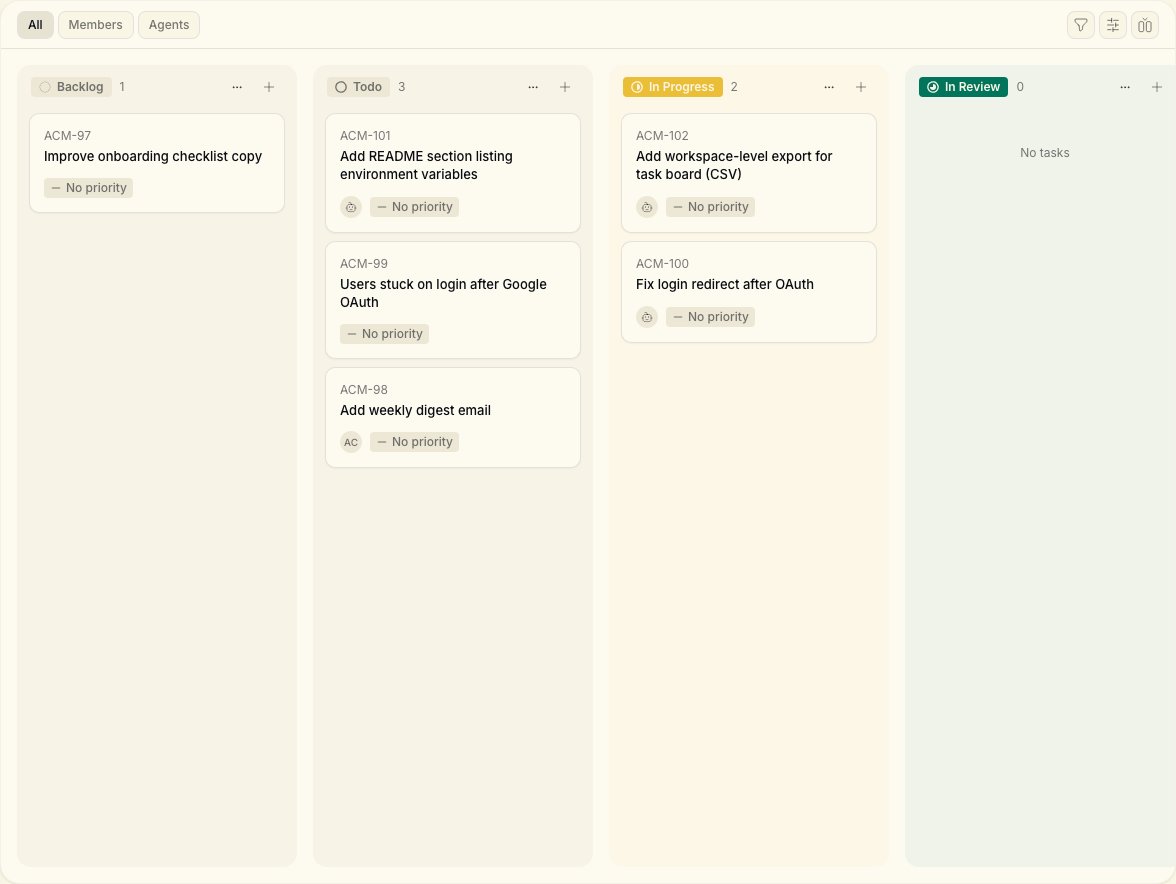
- Tasks — Backlog, Todo, In Progress, Done
- New Task — title + description = brief for humans or agents
- Conversations — Think/Plan before big decisions
- Assignee — pick a person or an agent by name
4
Agree on conventions
Write these in a pinned doc or first task comment:
- Customer-facing bugs → priority urgent, assign agent Builder
- Product specs → teammate owns task until review, then assigns agent
- Questions about “why we built X” → Knowledge or Conversations, not Slack threads
5
First joint task
Teammate creates a small task with clear acceptance criteria. They assign it to your agent. You watch runtime status; they watch task comments.Neither of you needs DMs for status — the task is the channel.
6
Teammate-only day two
Teammate creates and assigns tasks alone. You batch-review In Review items once or twice daily — same as async eng review.
Copy-paste task for your teammate
Title: Update pricing page FAQ with new starter tier copy Description:What good looks like
- Teammate never asks “is the agent running?” — they check task comments
- You only install CLI once; workspace stays shared
- Decisions link from Conversations or task comments, not lost in chat apps
Teammate can't see my agent in assignee list
Teammate can't see my agent in assignee list
Agents are workspace-scoped. Confirm they’re in the same workspace and the agent isn’t archived. You may need to create a workspace-visible agent profile.
Teammate wants to run agents on their laptop later
Teammate wants to run agents on their laptop later
Great — send them Cloud Quickstart when ready. Until then, your runtime is enough.
Too many tasks, unclear ownership
Too many tasks, unclear ownership
One assignee per task. Use Projects to filter by initiative. See Workspaces.